

Unified Setup Center · choose a product without mixing operational data
 Hydra IPTV
 X IPTV Pro
X IPTV Pro Setup Center
 X IPTV ProResponsive performance and a clear viewing experience across compatible devices.
X IPTV Pro Setup and Configuration
Choose your device to access applications, Downloader codes, connection details, and current X IPTV Pro setup links.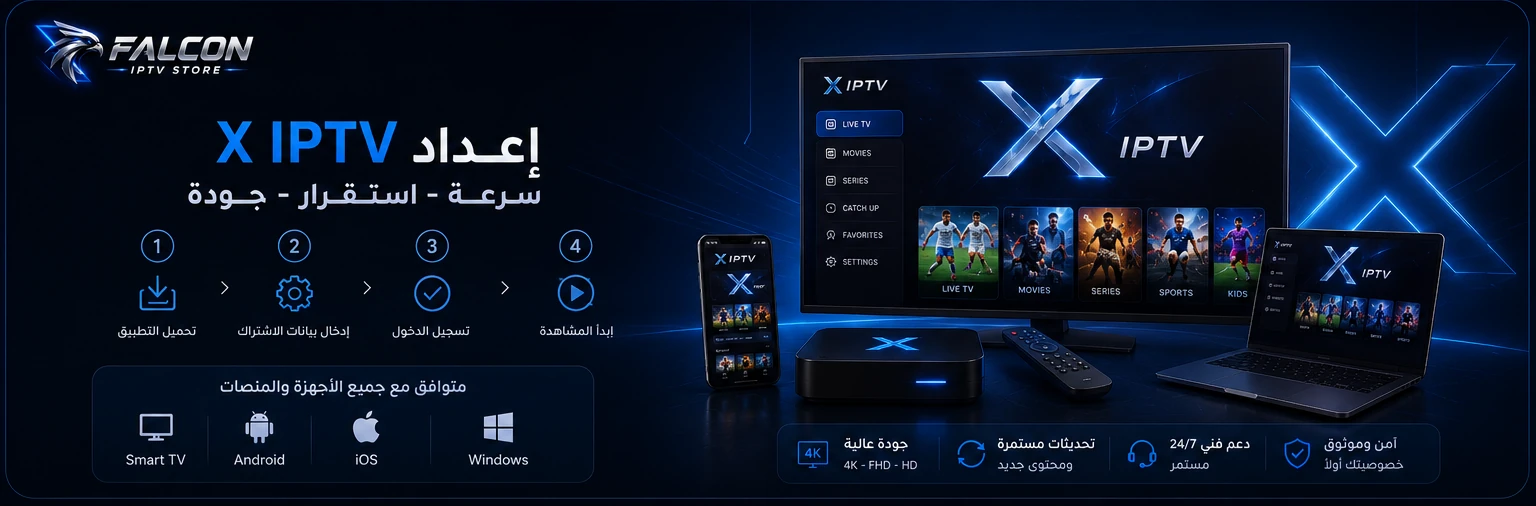
Choose a Platform
Start with Your Device
Choose the appropriate category to reach the applications or setup values you need.Android / Android TV / Windows / macOS
Falcon Player
The supported app for Android, Android TV, Windows and macOS. Download it from the official page and choose your device section. Approved Android version: 4.1.5. Use your service credentials only inside the app; do not share passwords in chat.Open official guideDownloader Code Center
All Downloader Codes in One Place
Copy the required code, then use it in Downloader.2965285
8539550
7814261
iPhone / Apple TV
iPhone — Hydra TV
Use Hydra TV on iPhone. The approved Hydra instructions use 1 or 2 in Host / Server inside Hydra TV only. For iPad, ask support to confirm the workflow.Apple TV — Stream House
Use Stream House on Apple TV. Enter falcon4k or 999 in Host Code / Server Code in this app only. These are application codes, not connection URLs.Samsung / LG
Samsung Tizen / LG webOS
On the native TV operating system we support IBO Player, BOB Player and ORA Player only. Install one from the TV app store. An external Android TV device uses Falcon Player even when connected to a Samsung or LG screen.IBO / BOB
Application support details: MAC Address + Device Code. Enter them only in the dedicated secure support fields, never your subscription password.Open official guideORA
Application support details: Device ID + Device PIN. Do not use MAC Address or Device Code for this app. Enter details only in the secure support form.Open official guideWeb Player Center
Web Setup
Open the required web player in a new window and enter your details when needed.X Web Player
A web player for X IPTV Pro.X Player
A browser-based setup option.000 Player
A web player using the current App Code.App Code070
X Finder
Server lookup tool.X IPTV Pro Telegram Channel
Open the X IPTV Pro channel on Telegram.Support and Help
Need Setup Help?
Use the Contact page for general questions or visit the Customer Area for your account and services.X IPTV Pro